

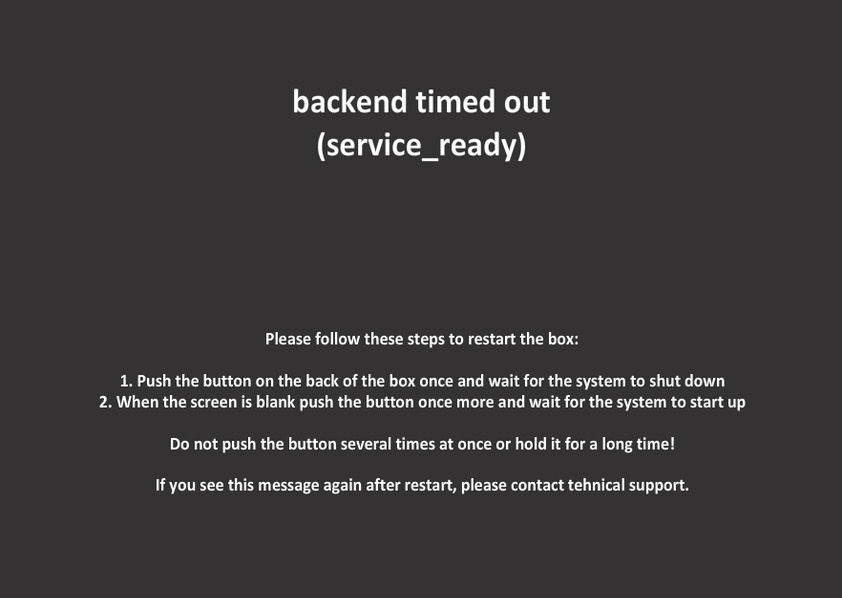
Backend timed out (service_ready) - zeBox does not see coin acceptor
Before contacting zeBox help desk
Step 1. Plug Coin acceptor USB connector into another port on the PC
Step 2. Disconnect electricity for the PC for 10 seconds
Sept 3. Start zeBox
For advanced user and Help desk
If after above procedure there is still "Backend timed out - (service_ready)”, check if Coin acceptor is registered as a USB device
Step 1. Go to settings menu (Link how the get to settings)
Step 2. In Shell type: lsusb this will show all USB devices connected to the PC. Coin acceptor is identified as : Future Technology Devices International, Ltd FT232 USB-Serial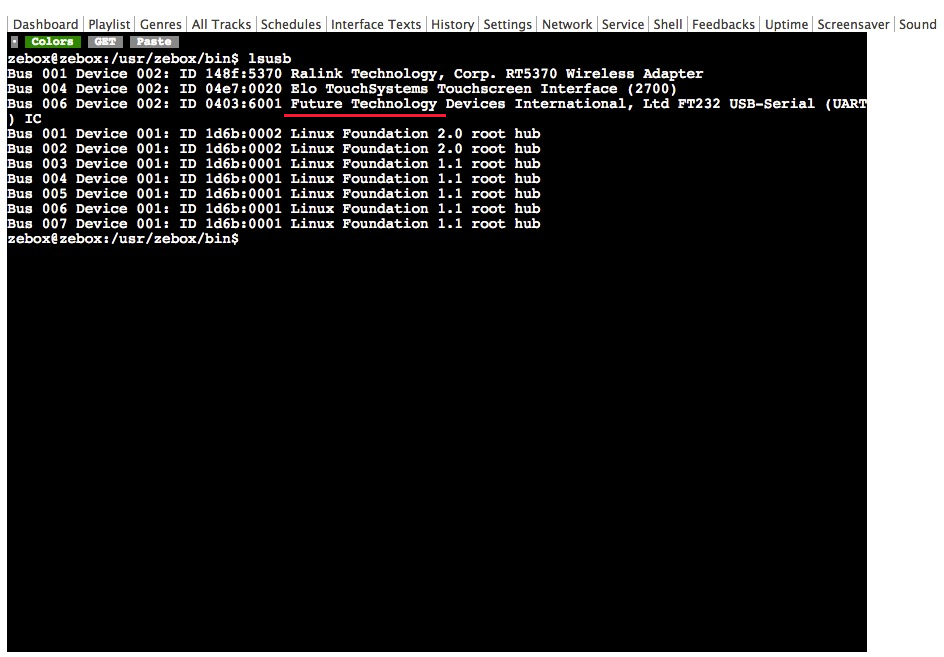
Step 3. if “Future Technology Devices International, Ltd FT232 USB-Serial” does not come up, coin accpor must be replaced.